
From WhatsApp enquiry to confirmed booking
Clavibase
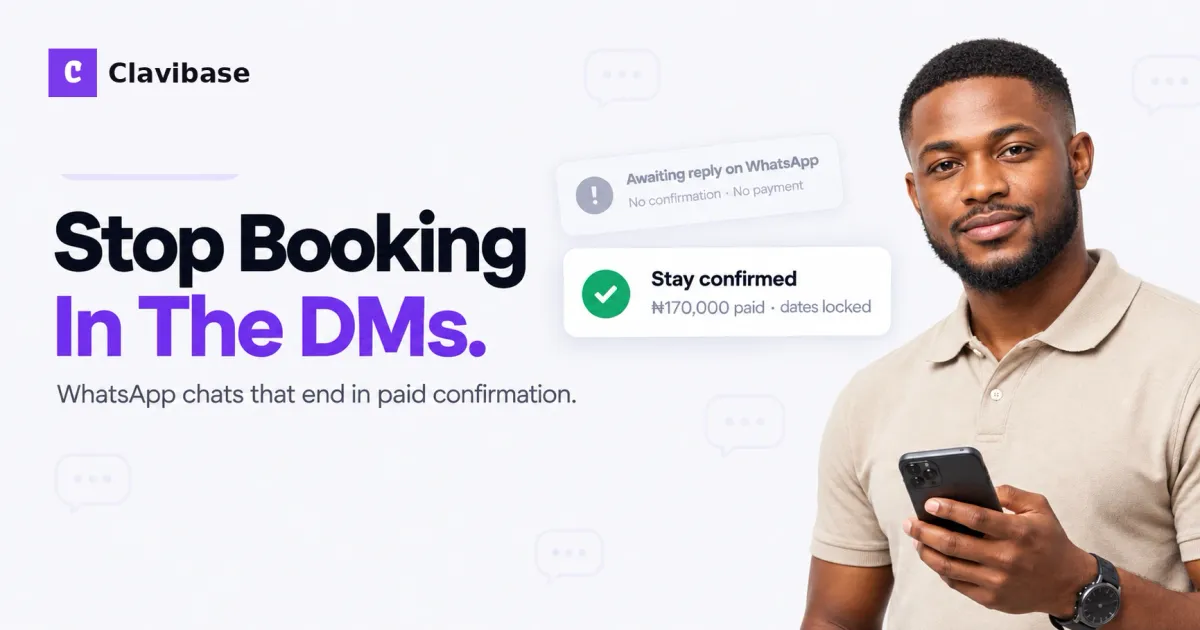
A guest messages you on WhatsApp at 9:40 p.m. They want Friday to Sunday. They ask for the rate, whether NEPA will behave, and if parking is inside the estate. You reply. They go quiet. By morning they have booked somewhere else.
That pattern is familiar to hosts across Lagos, Abuja, and Port Harcourt. WhatsApp is where many Nigerian shortlet bookings start. The problem is treating the chat as the whole booking system.
This playbook moves a serious enquiry from first message to paid confirmation without the endless back-and-forth.
Answer fast, then steer the conversation
Speed still matters. Guests often message three or four apartments at once. The first clear reply usually wins the attention.
Keep the first reply short and useful:
- Confirm whether the dates are free
- State the nightly rate and what it includes
- Ask for the number of guests and check-in time
- Point them to the next step for payment or a booking link
Do not dump your full house rules in the opening message. Give enough to show you are organised, then guide them forward.
Example:
Hi, thanks for reaching out. 19–21 Sep is free. Rate is ₦85,000 per night, including Wi-Fi and generator support as listed. How many guests, and what time do you plan to arrive? I can send the booking link so you can lock the dates.
Stop quoting prices that only live in your head
If every rate lives in your memory, you will contradict yourself under pressure. Keep a simple rate card for weekday, weekend, and peak dates. Use the same numbers on Instagram, your booking page, and WhatsApp.
When a guest asks “how much?”, answer once with the total for their dates when you can. A clear “₦170,000 for two nights” is easier to accept than a vague “around 80 something.”
Move money out of the chat
“I’ll pay on arrival” is where many WhatsApp bookings die. Prefer a deposit or full payment through a proper checkout before you block the calendar.
In the chat, say what is required and send one link:
To hold 19–21 Sep, please complete payment here: [your booking or payment link]. Once it clears, I’ll send check-in details.
Avoid collecting random transfers into a personal account with no reference. Screenshots create arguments. A checkout page with Paystack (or your usual processor) gives both of you a clearer record.
Use templates for the boring questions
Most WhatsApp threads repeat the same topics: power, Wi-Fi, parking, kitchen, and late check-in. Save replies you can paste and lightly edit.
Cover:
- Estate or street access instructions
- Generator or inverter expectations
- What is included in the rate
- Deposit and cancellation rules
- Check-in window and who to call on arrival
Templates save time. They also make you sound consistent, which builds trust faster than improvising at midnight.
Confirm the stay like a business
Once payment is in, send a confirmation that closes the loop:
- Dates and number of nights
- Amount paid and any balance due
- Arrival window
- Address with a nearby landmark
- House rules in one short block
- Who to message on the day
Then stop re-negotiating the same stay in twenty scattered messages. If something changes, update the confirmation once and keep that as the source of truth.
Know when WhatsApp should hand off
WhatsApp is excellent for questions and relationship. It is a weak system of record. When you are juggling multiple units, peak weekends, or a small team, the chat history will not protect you from double bookings or missed deposits.
A direct booking page with live availability lets serious guests check dates, pay, and receive confirmation without waiting for you to be online. You can still reply on WhatsApp. You just stop using it as the only calendar and cashier.
Bottom line
Winning WhatsApp enquiries is about speed, clear rates, early payment, reusable answers, and a clean confirmation. Keep the conversation human. Move the booking mechanics somewhere more reliable than a thread.
Clavibase helps you send guests from chat to a branded booking page with live availability and Paystack checkout, so confirmed stays are not stuck in your DMs. Start free with Clavibase